How to Choose a Home Theater Projector
A projector designed for a corporate conference room will disappoint you in a darkened home cinema. The specs that matter for a boardroom presentation — portability, wireless connectivity, daylight legibility — have almost nothing to do with what makes a projector work well in a dedicated theater space. This guide covers what actually matters for home use, in the order you should think about it.
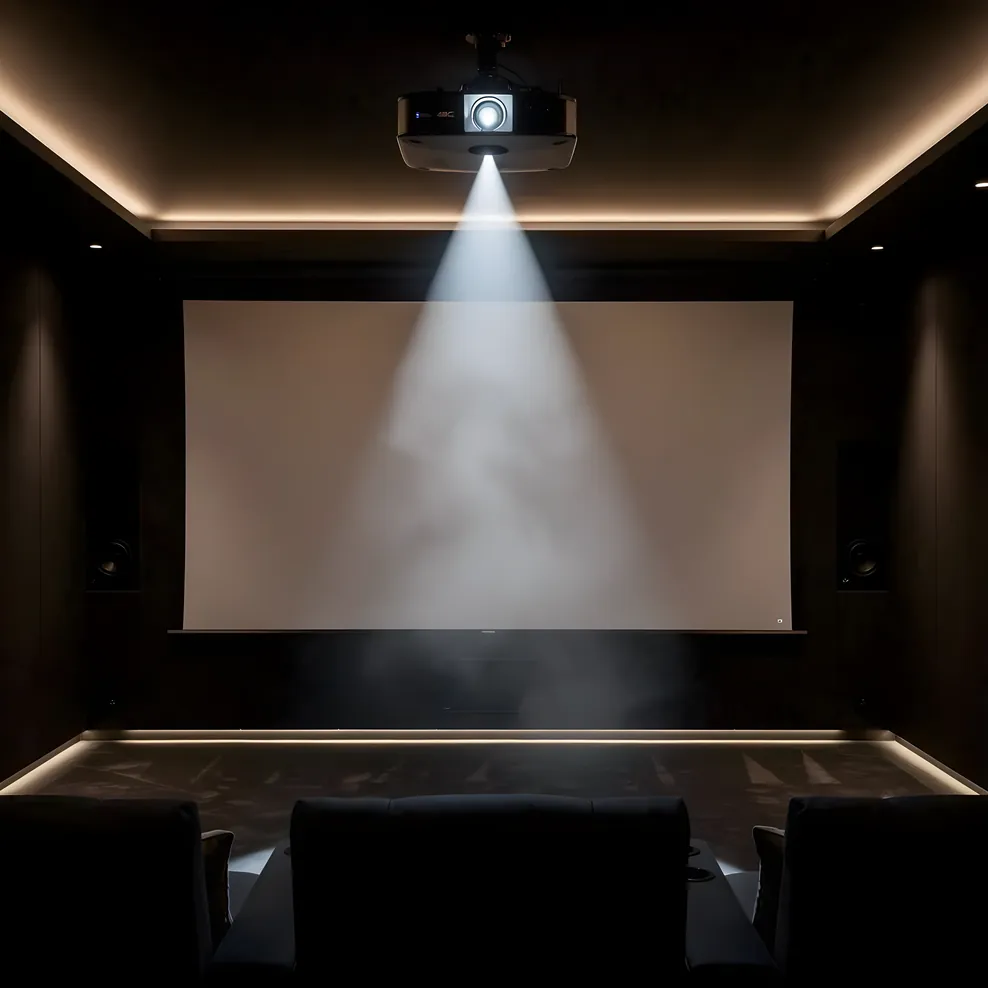
Start with your room, not a product page.
The Technology Types: DLP, LCD, and LCoS
Three imaging technologies dominate the home theater projector market, each with genuine tradeoffs worth understanding before you compare spec sheets.
DLP (Digital Light Processing) uses a chip covered in microscopic mirrors, each one representing a pixel. Light reflects off the mirrors through a spinning color wheel (or, in higher-end units, separate red, green, and blue light sources). DLP projectors tend to produce sharp images with good contrast and are generally more compact. The tradeoff: some viewers are sensitive to the "rainbow effect" — brief color fringing visible on high-contrast edges during fast motion. It affects a small percentage of people, but it's worth knowing before you buy.
LCD projectors pass light through liquid crystal panels for each color channel simultaneously, which eliminates the rainbow effect entirely. They're often brighter per dollar and handle color accuracy well out of the box. The historical knock on LCD has been black levels — they can look slightly gray rather than truly dark in scenes with both bright and dark elements on screen at once. Modern LCD designs have narrowed this gap considerably.
LCoS (Liquid Crystal on Silicon), sold under proprietary names in the home theater space, combines characteristics of both. Light reflects off liquid crystal panels rather than passing through them, which produces smoother pixel structure and very good contrast. These projectors sit at the upper end of the price range and reward a properly light-controlled room — they are not the right choice for a space with ambient light problems.
For a dedicated home cinema room with good light control, all three technologies can produce excellent results. For a media room where some ambient light is unavoidable, prioritize brightness and contrast handling over absolute black level.
Resolution: 1080p vs 4K
For most home theater projectors, "4K" requires a footnote.
True native 4K projectors — where the imaging chip has 8.3 million physical pixels — exist and are excellent. They're also expensive. Most projectors marketed as "4K" use pixel-shifting: the chip is native 1080p or close to it, and the projector rapidly shifts the image by fractions of a pixel to simulate higher resolution. The result is genuinely better than plain 1080p, particularly on fine detail and text, but it's not the same as a native 4K panel.
For home use, this distinction matters less than you might expect. At typical home theater viewing distances — somewhere between 1.5x and 2.5x the screen width — the eye can rarely distinguish native 4K from good pixel-shifted 4K on a 120-inch screen. Where native 4K shows its advantage is on very large screens (150 inches and above) at closer seating distances.
A more relevant question for most buyers: is the projector receiving a real 4K signal, and does it have HDCP 2.2 content protection on its HDMI inputs? Without HDCP 2.2, 4K streaming from services like Netflix and Disney+ will downscale to 1080p before it reaches the projector. Check the spec sheet before assuming.
The home theater equipment guide covers the display decision in context of your full room setup, including the case for large-format screens versus flat panels in different room configurations.
Lumens and Ambient Light: The Number That Matters Most
Projector brightness is measured in lumens, and it's where most buyers underestimate what they need.
For a fully light-controlled room — blackout curtains, dark walls, no light leaks — 1,500 to 2,500 lumens is sufficient for screens up to around 120 inches. Below that threshold, your image will look dim and washed out on anything larger. Above it, you have headroom to compensate for a screen that isn't perfectly dark, or to run the projector at a lower lamp setting and extend its life.
In a room with any ambient light at all — a living room that doubles as a media room, a space with windows that can't be fully covered — the calculus changes. You'll want a minimum of 2,500 lumens for casual viewing and 3,000 or more if you want images that hold up without fighting the room. Some newer laser projectors in the 3,500+ lumen range can handle partially lit rooms genuinely well, though they still can't compete with a flat panel in full daylight.
One nuance: projector brightness fades over the lamp's life. A traditional lamp projector rated at 2,500 lumens new might be at 60-70% of that after a few thousand hours. Laser light sources hold their brightness more consistently across their rated life — a meaningful practical advantage for longevity.
Bay Area homes frequently have rooms where full light control is difficult — Victorian windows, older homes with limited options for blackout shading on period-appropriate frames. If you're working with a room where light control will always be imperfect, factor that honestly into your lumens target rather than assuming you'll solve it later.
Throw Ratio and Room Size
Throw ratio describes how far back a projector needs to sit to produce a given image size. A throw ratio of 1.5:1 means the projector needs to be 1.5 feet back for every foot of image width. A 100-inch-wide image (roughly a 120-inch diagonal 16:9 screen) would require the projector to be 150 inches — about 12.5 feet — from the screen.
This is not the measurement most people think about first, but it's often the one that determines whether a projector works in their room at all.
Before you narrow your projector search, measure your room: - The distance from your intended projection surface to where the projector will sit (ceiling mount, shelf, or rear shelf) - The maximum screen size that fits your wall given the room's width and any obstructions - Whether the projector placement allows for the throw distance the image size requires
Many rooms, particularly in Bay Area homes with shorter walls or architectural features that limit placement, can't accommodate standard throw projectors at the screen sizes people want. That's where zoom lenses and lens shift matter.
Lens Shift and Zoom
A projector without lens shift must be positioned so its lens is exactly centered on the screen — not above or below it, not to either side. This is a meaningful constraint. Ceiling-mounted projectors typically sit above the screen's vertical center, which means a projector without vertical lens shift will project at an angle, distorting the image unless you use digital keystone correction.
Lens shift lets you move the optical path mechanically — physically shifting where the image lands — without introducing distortion. Vertical lens shift is the most important feature for ceiling-mounted installations. Horizontal lens shift matters if the projector can't be centered laterally, which sometimes happens when a room's structural elements force a non-ideal placement.
Zoom lenses let you adjust image size without moving the projector. A wide zoom range (something like 1.2x to 2.4x) gives you far more flexibility in where the projector can sit relative to the screen. If you have a fixed ceiling mount and want the option to change screen sizes later, or if your room dimensions don't align perfectly with a fixed throw distance, lens zoom range is worth prioritizing.
Budget projectors often skip lens shift and offer limited zoom. That's fine if your installation is straightforward. In a more constrained room — which describes most Bay Area spaces — these features prevent expensive compromises.
Ultra-Short-Throw Projectors
Ultra-short-throw (UST) projectors sit a few inches from the wall and still produce images up to 120 inches or larger. They've improved substantially in recent years and deserve serious consideration in certain rooms.
The advantages are real: no ceiling mount, no long throw distance, no cable runs across the ceiling. In a media room where a dedicated installation feels like too much infrastructure, a UST unit on a furniture piece or low stand can work well.
The tradeoffs are also real. UST projectors are expensive relative to the image quality they produce at equivalent price points. They're very sensitive to screen surface — most work best with a flat, rigid ambient light rejection (ALR) screen designed specifically for UST use, which adds cost. And because the projector sits at the base of the screen rather than at the viewing distance, any object between the projector and screen (a coffee table, a person walking by) will cast a shadow immediately.
For a dedicated cinema room where you're mounting equipment once and building the space around it, a standard throw projector will typically deliver more image quality per dollar. For a living room media space where you want projector capability without a ceiling installation, a UST unit is worth its premium.
HDR Support
HDR (High Dynamic Range) allows a display to produce brighter highlights while maintaining shadow detail, creating more contrast range than standard video. Most 4K content from streaming services and physical media now includes HDR metadata, typically in HDR10 or Dolby Vision formats.
Projectors and HDR have a complicated relationship. HDR works best on displays that can produce very high peak brightness — the highlights in an HDR scene are mapped to luminance levels that flat panels (particularly OLED and high-end LCD) can sustain easily. Projectors, which diffuse light across a large reflective surface, have a harder time reaching those luminance levels.
The practical result: most projectors tone-map HDR content down to what the projector can actually produce. The quality of that tone-mapping varies considerably. A well-tuned projector handling HDR can still produce a more dynamic, film-like image than SDR content on the same unit. But HDR on a projector is not the same experience as HDR on a reference flat panel.
If HDR is important to you, look for projectors with rated peak brightness above 2,000 lumens in their "cinema" or high-contrast mode, and read technical reviews that include projector-specific HDR tone-mapping evaluations, not just spec comparisons.
Installation Considerations
Ceiling mount is the standard choice for dedicated home cinema rooms. It keeps the projector out of the seating path, allows for longer throw distances to larger screens, and produces a clean look. The tradeoff is that it requires a rigid ceiling mount (seismic anchoring requirements apply in the Bay Area), a cable path from the equipment rack to the ceiling mount location, and a projector with adequate vertical lens shift to offset the mounting position above center screen.
Shelf or furniture mounting is common in media rooms. The projector sits on a shelf or console behind the seating area. Simpler to install, easier to access for maintenance, and avoids the ceiling cable run. The constraint is that the projector needs a clear line of sight over the heads of seated viewers — typically 48 to 52 inches off the floor to the projector's lens, depending on screen height.
Rear projection is rarely practical in residential settings because it requires the depth behind the screen that most home theater rooms don't have. Purpose-built rear-projection setups exist for commercial applications but aren't a realistic option for most homes.
Before finalizing projector selection, confirm your ceiling mount location allows the required throw distance to your screen position. In rooms where the ceiling joists run perpendicular to your ideal mount location, anchoring options may be limited. A contractor familiar with home theater installations can evaluate this before you commit to a projector with a specific throw ratio.
The dedicated home theater planning guide covers the room-readiness questions — ceiling height, mounting surfaces, electrical access — that determine what installation approach is realistic for your space. If you're still working out room layout and equipment placement, the home theater room dimensions guide is a useful reference for spacing and sightlines.
For the display side of the planning decision — whether a projector makes sense for your room versus a large-format flat panel — see projector vs TV for home theater. The full guide library is at Bay Area Home Cinema.
FAQ
What is a good lumen count for a home theater projector?
For a room with blackout light control, 1,500 to 2,500 lumens is sufficient for screens up to 120 inches diagonal. If the room has any ambient light that can't be fully controlled, 2,500 to 3,500 lumens provides a better margin. Laser projectors are generally preferable over traditional lamp units because they maintain brightness consistently across their rated lifespan.
Is 4K really necessary for a home theater projector?
At typical home theater viewing distances and screen sizes under 120 inches, the difference between a good pixel-shifted 4K projector and true native 4K is minimal in practice. What matters more: does the projector have HDCP 2.2 on its HDMI inputs? Without it, 4K streaming content will be downscaled to 1080p by the source device before reaching the projector.
What throw ratio should I look for?
Measure your room first. A standard throw ratio (1.4:1 to 2.0:1) works well when the projector can sit 10 to 15 feet from the screen. Long throw (above 2.0:1) is useful in deeper rooms. Short throw (below 1.0:1) works for closer placement. If your room dimensions are constrained, prioritize projectors with a wide zoom range so placement flexibility isn't locked to a single distance.
Do I need lens shift for a ceiling mount?
Yes, in most cases. A ceiling-mounted projector sits above the vertical center of the screen, and without lens shift, the image will be projected at a downward angle, causing keystone distortion. Vertical lens shift lets the projector stay level while offsetting the optical axis so the image lands squarely on the screen. Digital keystone correction is a fallback but degrades image quality.
Can a projector work in a room with windows?
It depends on how much light control you can achieve. In a room where you can get ambient light below about 5 foot-candles (good blackout shading, dark walls, no light leaks), a 2,000+ lumen projector will perform well. In a room with significant ambient light that can't be controlled, a projector will produce a washed-out image regardless of lumen count. Consider a large-format flat panel for spaces where light control is genuinely impractical.
What is an ultra-short-throw projector and when does it make sense?
An ultra-short-throw projector sits a few inches from the wall rather than across the room, making it possible to produce large images without a ceiling mount or long cable runs. It's a good choice for media rooms where you want projector capability without a dedicated installation. The tradeoffs: higher cost per inch of image quality compared to standard throw projectors, sensitivity to the projection surface (ALR screens work best), and susceptibility to shadows from objects between the projector and screen.